Step 1: Access Theme Customization
-
In your Shopify admin, go to Online Store and click on Themes.
-
Click Customize on your current theme.
Step 2: Customize Widget Appearance
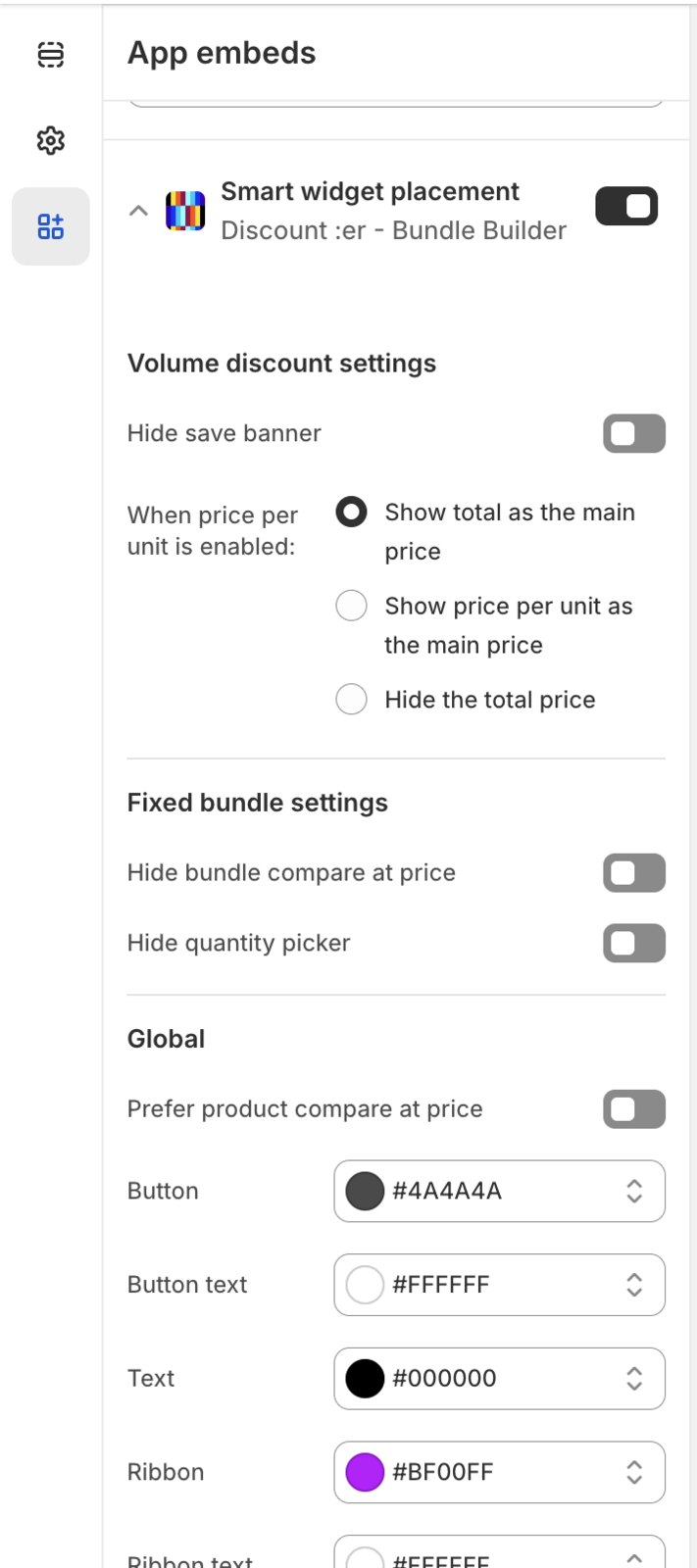
- Click on the StylePack widget to open customization options:
-
Adjust colors, fonts, and layout to match your store's branding.
-
Preview the changes and ensure everything looks perfect.
-
Once satisfied with the design, click "Save."
Your StylePack widgets are now beautifully integrated into your store's theme.
Enjoy the seamless look and feel!
Something is not working as expected? we are here to help [email protected]